


Complete Guide To Digital Couponing At Dollar General
Looking to save more on your everyday shopping? Our Complete Guide to Digital Couponing at Dollar General is your go-to resource for learning how to maximize savings with ease. Whether you’re a coupon newbie or a seasoned deal hunter, Dollar General’s Digital Coupons Program makes it simple to cut costs without clipping paper coupons. This guide will walk you through how to set up your DG account, load digital coupons, stack deals, and combine offers like the famous $5/$25 Saturday coupon. If you want to save big on groceries, household items, and personal care products, this step-by-step guide to Dollar General digital couponing will teach you everything you need to know.
Benefits of Shopping At Dollar General
Couponing at Dollar General can be a great way to save money on everyday items. With our couponing guide, you now have the tools and knowledge to get started. Remember that couponing takes some practice, so don’t be discouraged if it doesn’t come easy right away. You can start small with coupons for your favorite items at Dollar General and gradually work your way up as you become more experienced in couponing. Good luck and happy savings!
Dollar General Hub
Dollar General allows you to stack one manufacturer coupon and one store coupon. This can sometimes be confusing.
GO HEREYes, you can find penny items at Dollar General, but it does take work. Penny list updated weekly.
GO HEREHuge clearance events with items 50% off clearance prices leading to big savings.
GO HEREStep 1: Download the Dollar General App
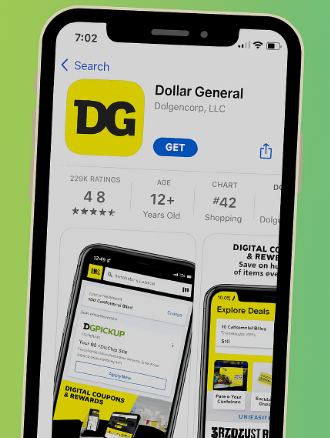
The first step to start saving with Dollar General digital coupons is to download the Dollar General app. The app is available for free in both the Apple App Store and Google Play Store.
Once downloaded, the app gives you access to exclusive digital coupons, weekly ads, and store-specific deals. It also allows you to create shopping lists, scan products for available coupons, and easily track your savings.
Pro Tip:
Make sure you enable notifications so you never miss out on flash deals, clearance alerts, or new coupon drops in the DG app!
Step 2: Sign Up for a Dollar General Account
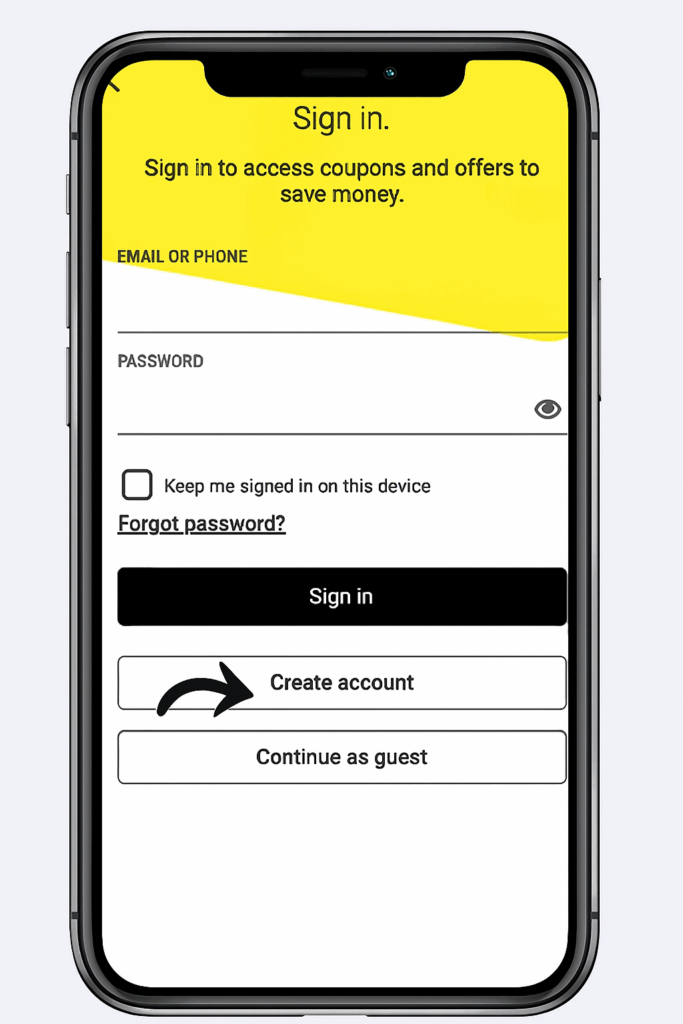
To access Dollar General digital coupons, you’ll need to create a Dollar General account. This account will allow you to clip digital coupons, track savings, and receive personalized offers.
Here’s how to sign up:
- Download the Dollar General app from your device’s app store (Apple App Store or Google Play Store).
- Create an account using your email address and a valid mobile number.
- Verify your phone number by entering the code they send via text. Make sure to use a number you have access to, as this is required for confirmation.
- Once your account is set up, update your profile with your mailing address and birthdate. Dollar General often sends out special birthday coupons, so don’t skip this step!
By completing this process, you’ll unlock access to exclusive DG digital coupons, in-app deals, and weekly savings events.
Step 3: Know the Coupon Policy
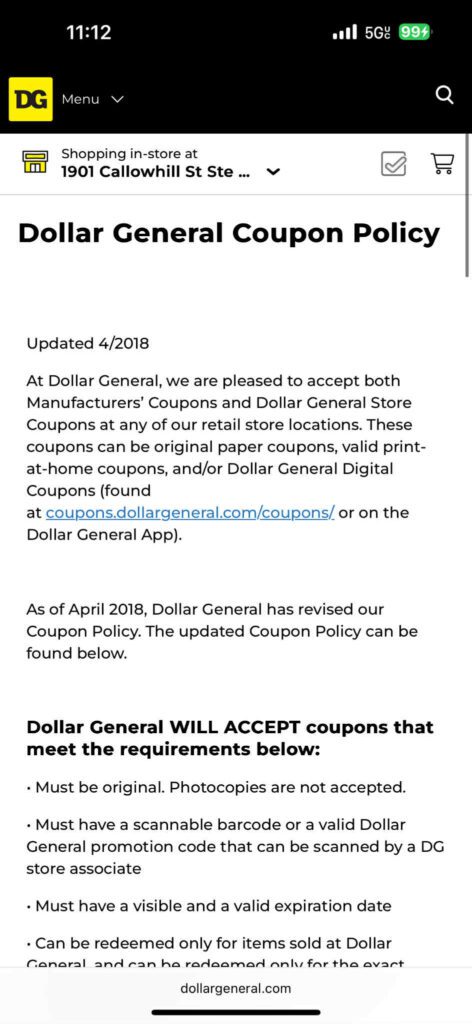
- Familiarize yourself with Dollar General’s digital coupon policy:
- 1 digital coupon per item (no stacking of multiple digitals on the same product).
- Digital coupons do not double.
- All clipped coupons apply automatically when you enter your phone number.
- BOGO offers usually require purchasing two items.
- You can read the full policy at: https://www.dollargeneral.com
Step 4: Know the App & Navigate It Like a Pro
The DG app has powerful features, but knowing how to use them is crucial:
I – Browse & Clip Digital Coupons:
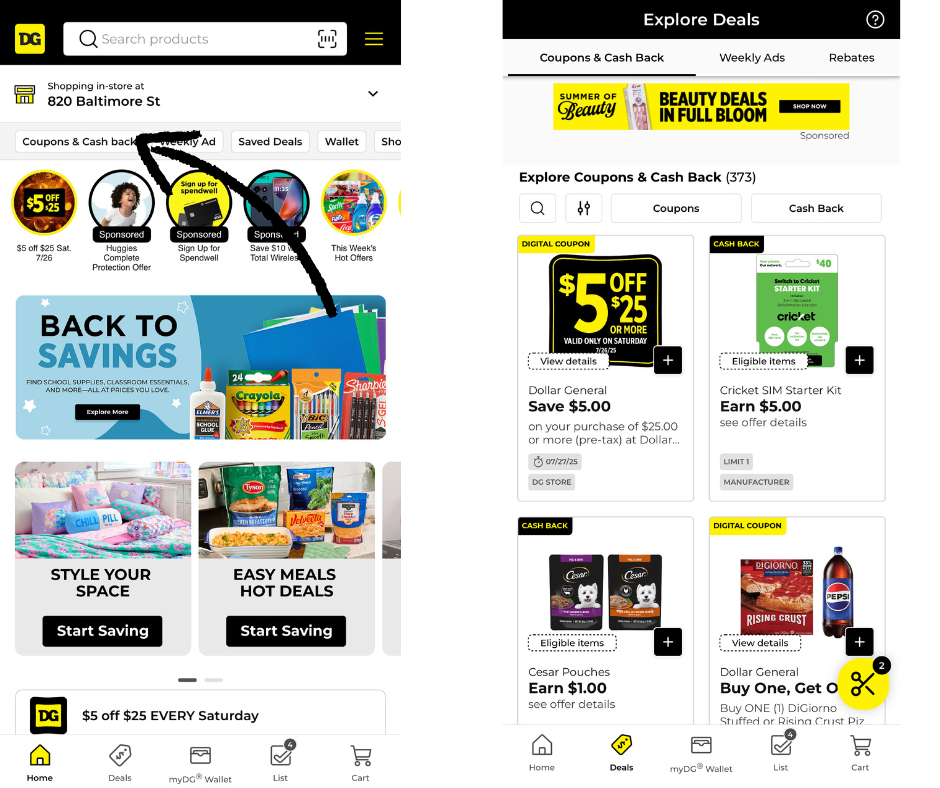
- Tap the Coupons tab.
- Tap a coupon to view details and what items it applies to.
- Always check “Qualifying Products” to confirm your item is eligible.
II – Check for Product-Specific Deals:
- Use the search bar to find a product.
- Scroll down to view any attached sales or coupons.
III – Use the Cart Calculator (with Caution):
- The Cart tool lets you build a deal to estimate total after coupons. ⚠️ Do not rely solely on this feature — the app often miscalculates or includes discounts that won’t apply at the register. Make sure that you calculate math with pan and paper so that you have a guesstimate of what you will pay at checkout.
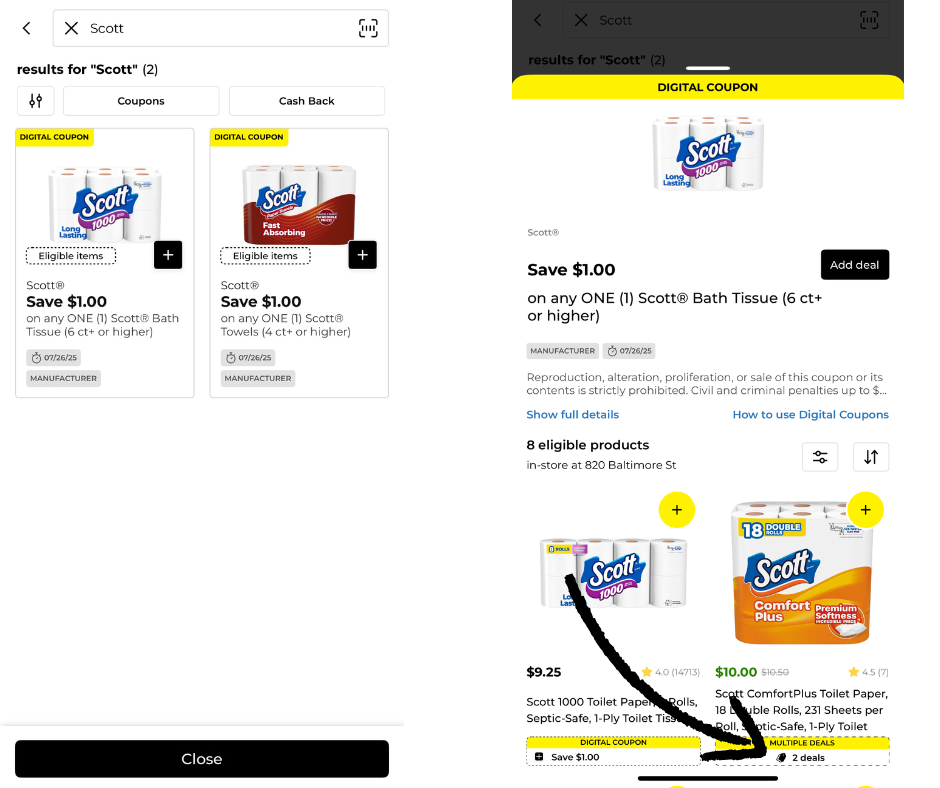
Stacking Coupons
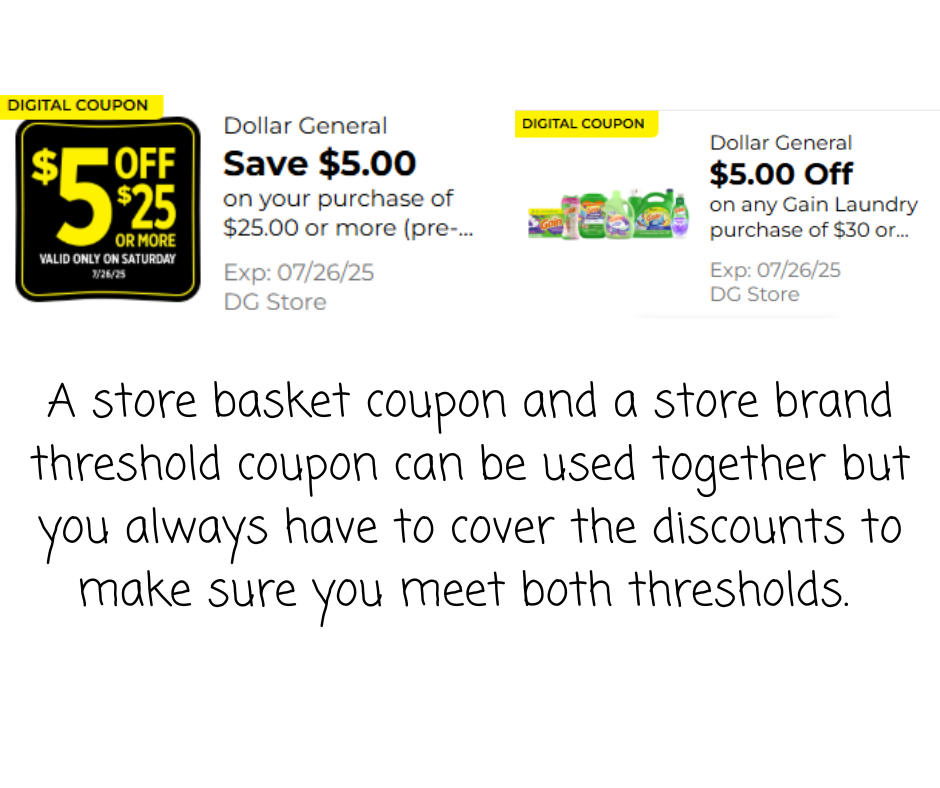
Stacking coupons at Dollar General is a smart way to maximize your savings by using more than one type of coupon on a single item. Dollar General allows shoppers to stack one store coupon with one manufacturer coupon on the same product, as long as both are valid and meet the item’s purchase requirements. Store coupons will be labeled “Dollar General Store Coupon,” while manufacturer coupons—even digital ones in the DG app—will state “Manufacturer Coupon.” By combining these two, you can significantly reduce your out-of-pocket cost, making it easier to score amazing deals every week.
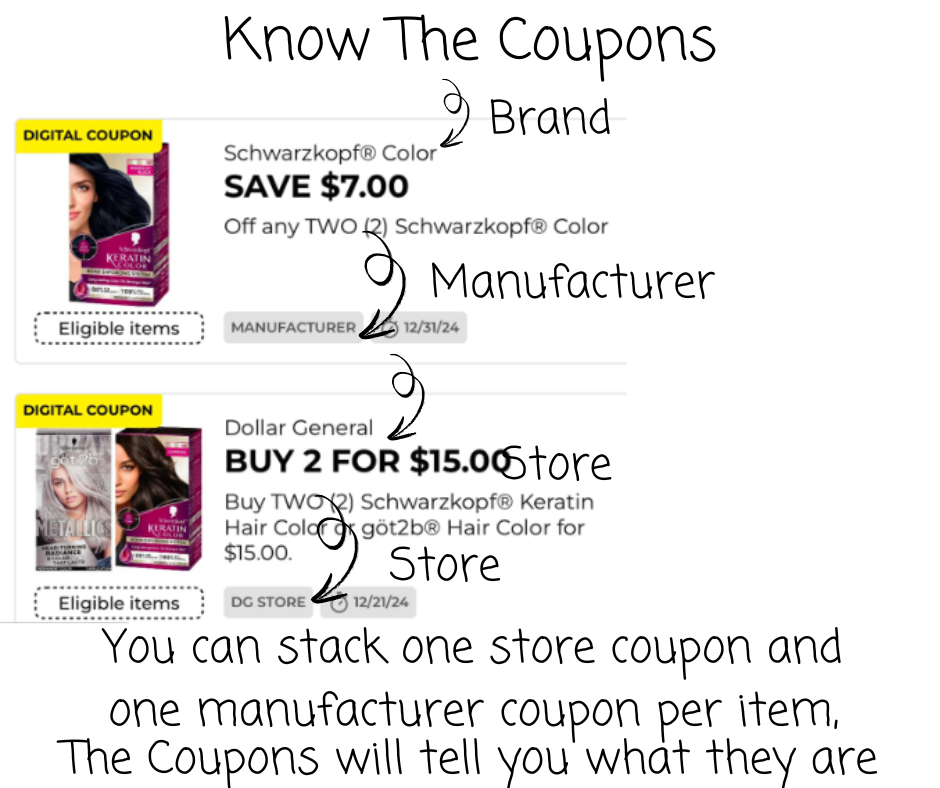
Dollar General allows shoppers to stack one store coupon with one manufacturer coupon on the same product, as long as both are valid and meet the item’s purchase requirements. Store coupons will be labeled “Dollar General Store Coupon,” while manufacturer coupons—even digital ones in the DG app—will state “Manufacturer Coupon.”
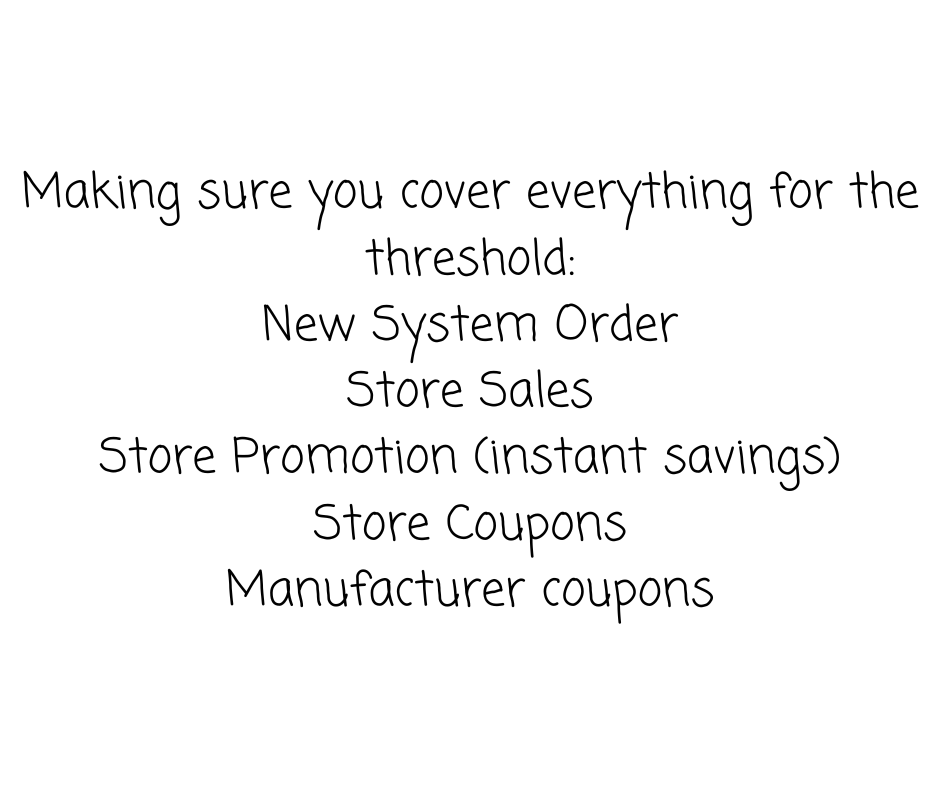
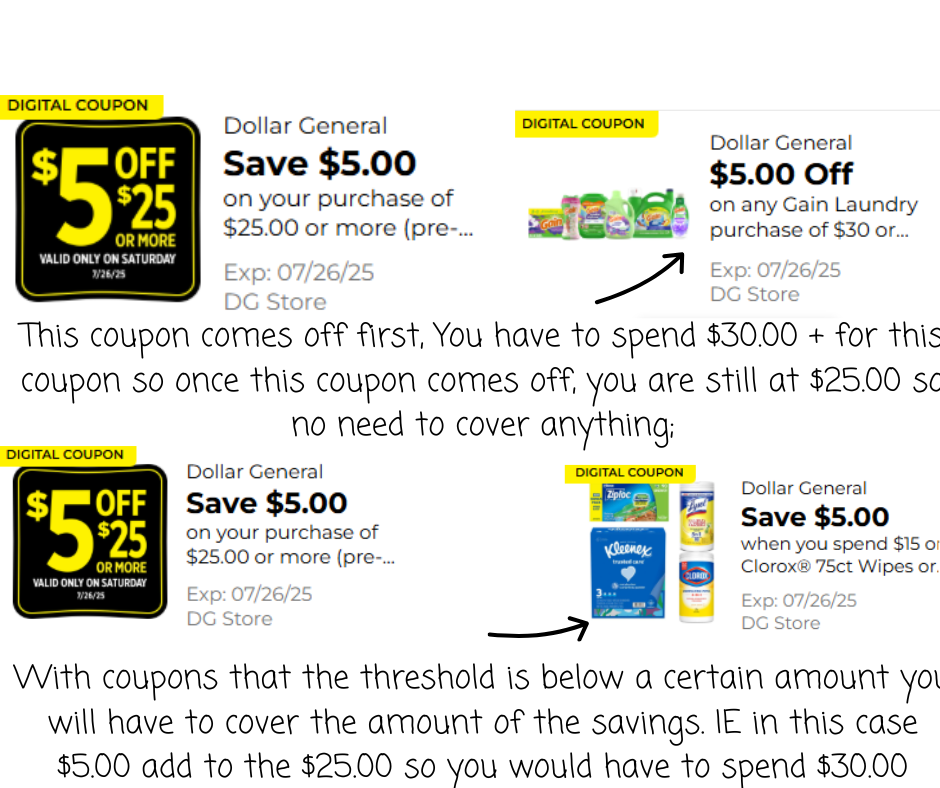

Time to Go Shopping!
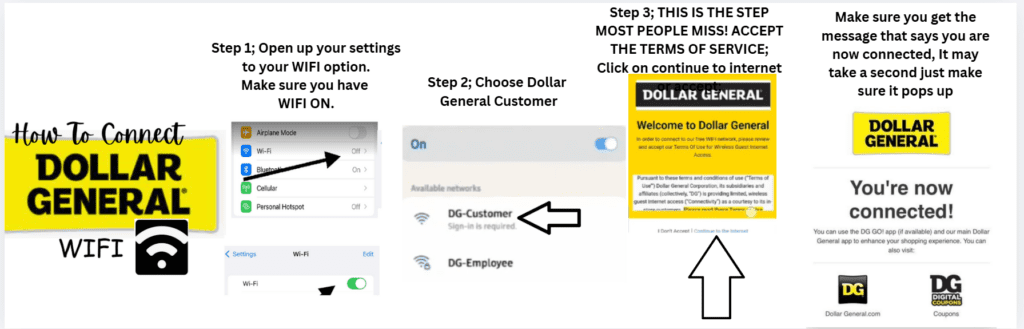
The First thing you need to do is Sign in to the DG Wi-Fi.
Go to settings and choose DG Customer.
Accept the terms.
Wait for the pop-up that says you are connected.
As long as you follow these steps your phone will run through the store WIFI!
Scanning Your Items In Store
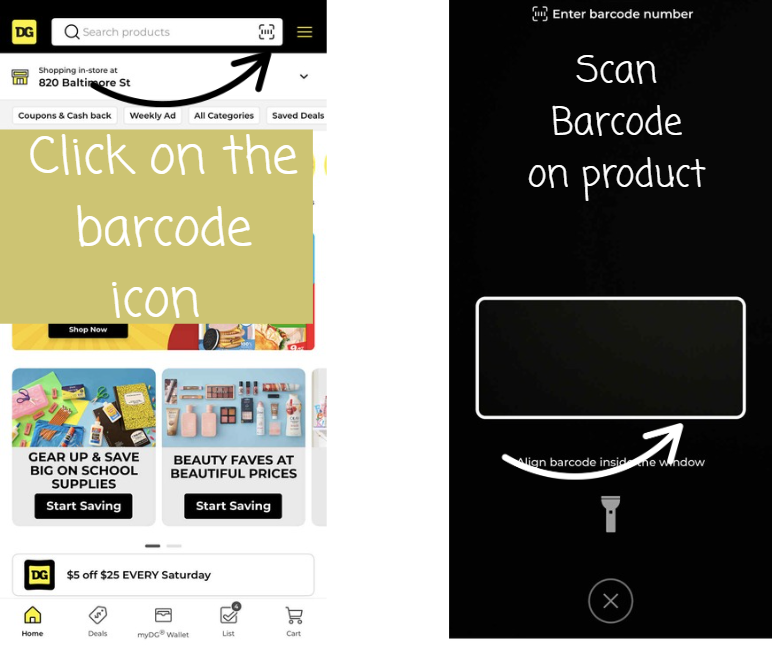
SCAN YOUR ITEMS IN STORE 👇
One of the MOST important steps to being successful with digital couponing at Dollar General is scanning your items in store.
✔️ See what coupons attach
✔️ Make sure you have the correct items
✔️ Avoid surprises at checkout
This step = BIG savings 💰
TIME TO CHECK OUT
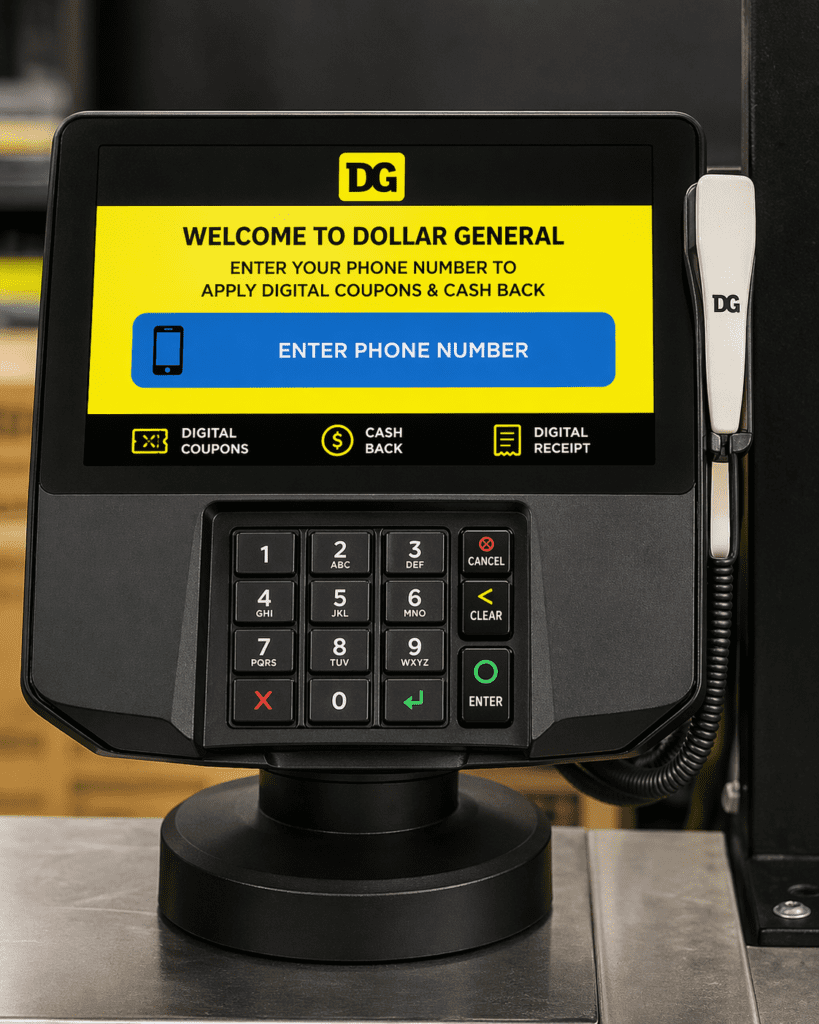
✔️ Enter the phone number linked to your account
✔️ Make sure your account is accepted
✔️ THEN pay
Always double check before you hit pay!
GET YOUR WEEKLY DOLLAR GENERAL DEALS HERE
Frequently Asked Questions About Dollar General Digital Couponing
How do I start digital couponing at Dollar General?
Start by downloading the Dollar General app, creating an account, adding your phone number, and clipping digital coupons inside the app before you shop.
Do I need a Dollar General account to use digital coupons?
Yes. You need a Dollar General account to clip digital coupons, track offers, and apply savings when you enter the phone number linked to your account at checkout.
Can you stack coupons at Dollar General?
Dollar General allows shoppers to stack one manufacturer coupon with one Dollar General store coupon on the same item when both coupons are valid and all purchase requirements are met.
Why should I scan items in the Dollar General app while shopping?
Scanning items in store helps confirm that you have the correct product and shows which digital coupons are attaching before you get to checkout.
Do I need to connect to DG Wi-Fi in the store?
Connecting to DG Customer Wi-Fi in store can help the app work better while shopping. After selecting DG Customer and accepting the terms, wait for the pop-up confirming that you are connected.
How do digital coupons come off at checkout at Dollar General?
At checkout, enter the phone number associated with your Dollar General account and make sure the account is accepted before paying so your clipped digital coupons can apply.
Can I use more than one digital coupon on the same item at Dollar General?
No. Dollar General generally allows one digital coupon per item, and digital coupons do not double.
What else can I find in the Dollar General app besides digital coupons?
The Dollar General app can also show weekly ads, store-specific deals, qualifying products, and available savings tied to items you scan or search.